Work Log
The Work Log is a personal, daily record of what you worked on. It's separate from Time Tracking: time tracking logs minutes against a specific ticket, while a work log is a free-form daily summary that can reference several tickets at once.
Open it from the sidebar (Work Log), or from the Worklog tab on a ticket or sub-task.
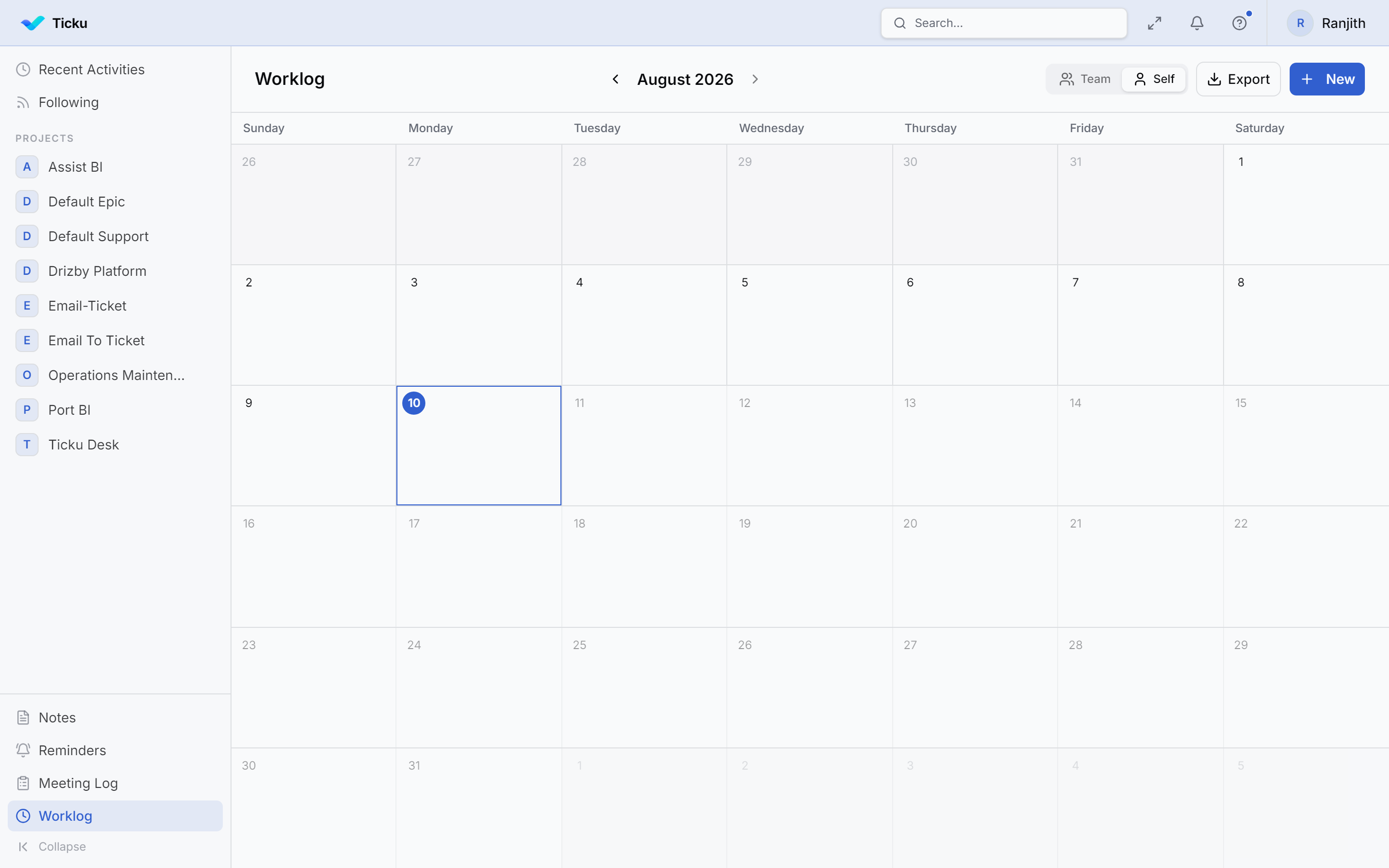
What a work log entry contains
| Field | Notes |
|---|---|
| Date | The day the work happened |
| Summary | What you did (free text) |
| Ticket references | Plain-text ticket codes like ABI-01, SUP-42 — you can list several |
| Assignees | Other people the entry relates to |
:::note Ticket references are text, not links
Work-log ticket references are captured as free text (ticketRefs), not as picked tickets — so you can jot down a reference quickly without opening a picker. When you log from a sub-task's own Worklog tab, the entry is additionally linked to that sub-task.
:::
Where you can log
- From the sidebar — a full view of your entries across all work.
- From a ticket's Worklog tab — the entry is associated with that ticket.
- From a sub-task's Worklog tab — the entry is linked to that sub-task specifically.
Notifications
Creating a work-log entry can notify the people attached to it by email, so teammates and leads stay aware of daily progress.
Work Log vs Time Tracking
| Work Log | Time Tracking | |
|---|---|---|
| Granularity | A daily summary | Minutes on one ticket/sub-task |
| Ticket link | Free-text references (many) | A single ticket or sub-task |
| Purpose | "What I did today" | Billable/effort time capture |
| Available in | All project types | Consulting projects |