Notifications
Stay informed without watching every ticket. Notifications are per-tenant — you only see notifications for the organization you're currently in, and switching tenants shows that tenant's.
What triggers a notification
| Area | Events |
|---|---|
| Tickets | Created, assigned, updated, closed, reopened, put on hold, escalated |
| Sub-tasks | Created, assigned, completed |
| Comments | A comment added, an @mention, a reply to your comment, a reaction to your comment |
| Followers | You were added as a follower |
| Projects | You were added to a project |
| SLA | A Support ticket breached its SLA |
| Reminders | A reminder you're on fell due |
| Admin | A user is pending approval, or requested re-approval |
Where they arrive
| Channel | Notes |
|---|---|
| Within Ticku | The in-app bell. Unread items are marked, and Load more pages through history |
| Microsoft Teams | A Teams message, for users signed in via Teams or Microsoft SSO |
| Mailed to your address |
Pick any combination in your settings — but at least one must stay checked.
:::note Reactions are in-app only A reaction to your comment raises the in-app bell and nothing else. It never fans out to Teams or email — an emoji doesn't warrant a push. :::
Preferences
Settings → Notifications controls how much you hear and where.
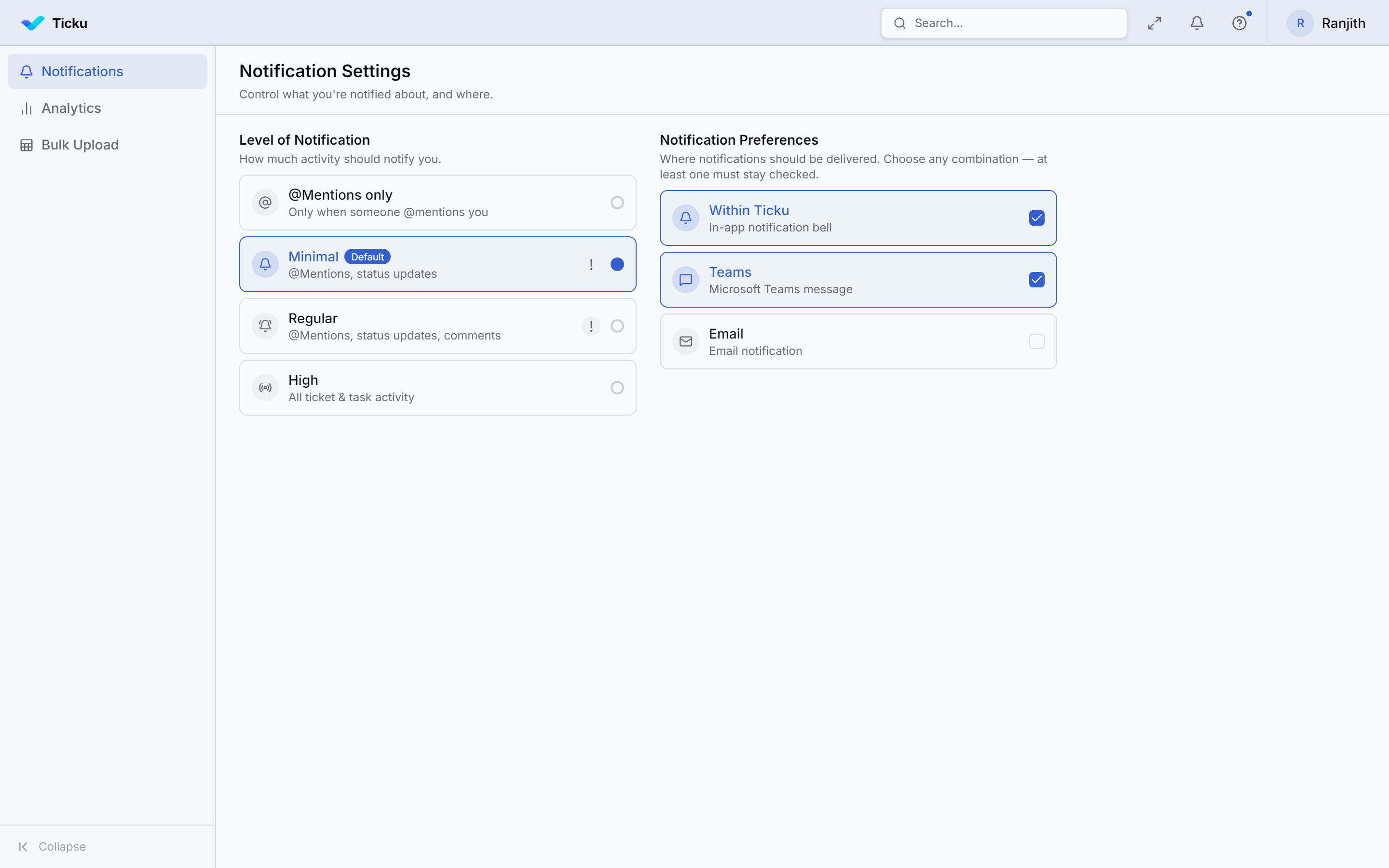
Level
| Level | You get |
|---|---|
| @Mentions only | Only when someone @mentions you |
| Minimal (default) | @Mentions and status updates |
| Regular | @Mentions, status updates, and comments |
| High | All ticket and sub-task activity |
@Mentions are always delivered, at every level — including @Mentions only.
Overlapping events
Where two events describe the same thing, Ticku sends one notification rather than two:
- Replying to a comment and
@mentioningits author sends only the mention. - Assignment is folded into the status transition it causes, since assigning a ticket moves it
OPEN → ASSIGNED.
Managing the panel
Mark individual notifications read or unread from the bell panel, or Mark all read.