Meeting Log
The Meeting Log captures minutes of meetings (MoM) along with action items that can link back to tickets. Open Meeting Log from the sidebar.
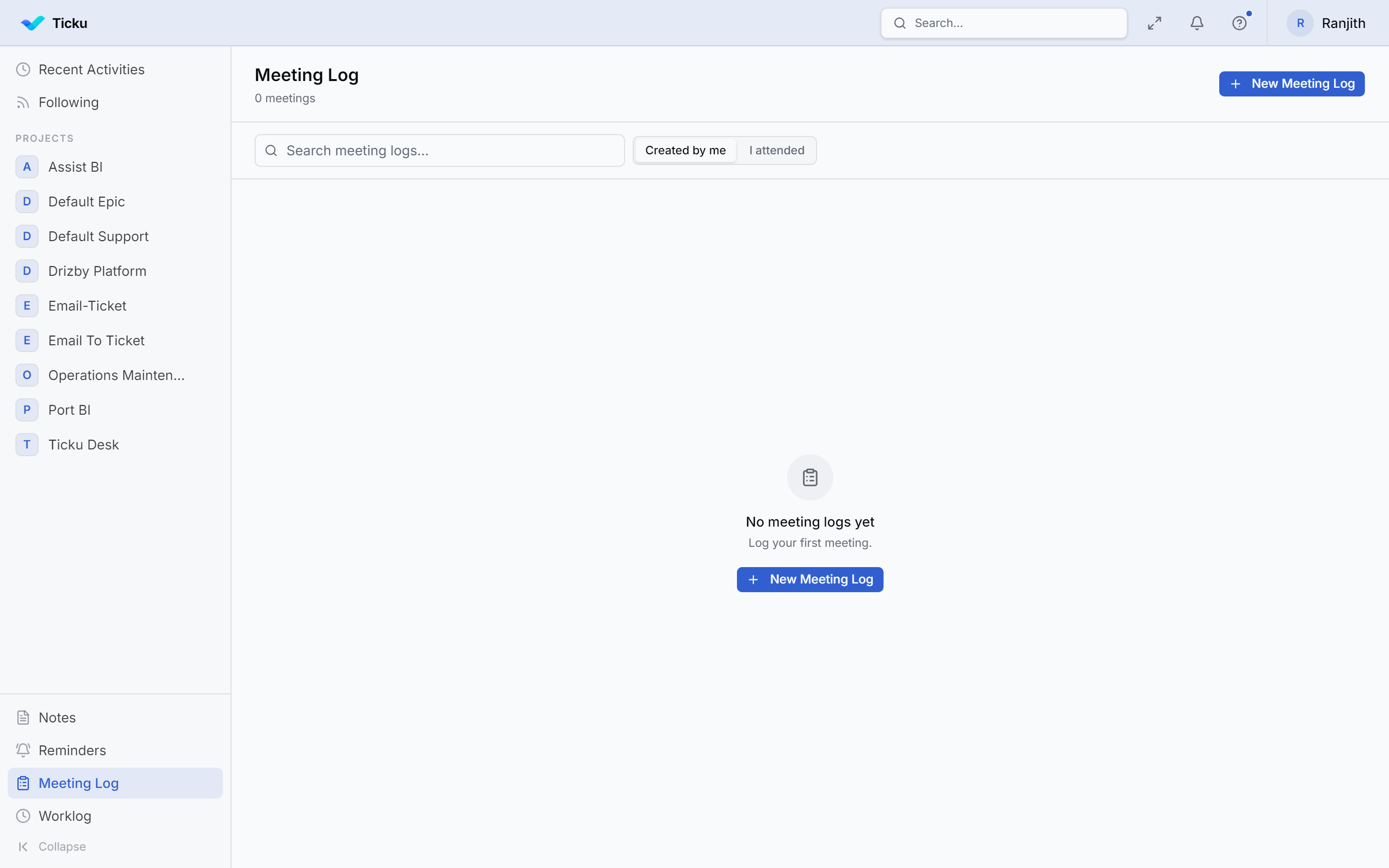
A meeting log entry
| Field | Notes |
|---|---|
| Title | Meeting name |
| Meeting date | When it took place |
| Minutes (MoM) | The write-up of what was discussed |
| Attendees | People who were present |
| Tags | For categorization and filtering |
Action items
Each meeting can list action items, each with:
- A description of what needs doing
- An owner (responsible person)
- A due date
- A status — Open, In Progress, or Done
- Optional links to tickets, so an action item connects to the work that tracks it
This makes the meeting log a bridge between discussion and execution — decisions become trackable items, and items can become or reference tickets.
Scope
Like Notes, meeting logs are tenant-scoped and not tied to a single project.