Kanban Board
Every project offers a board view alongside list and grid.
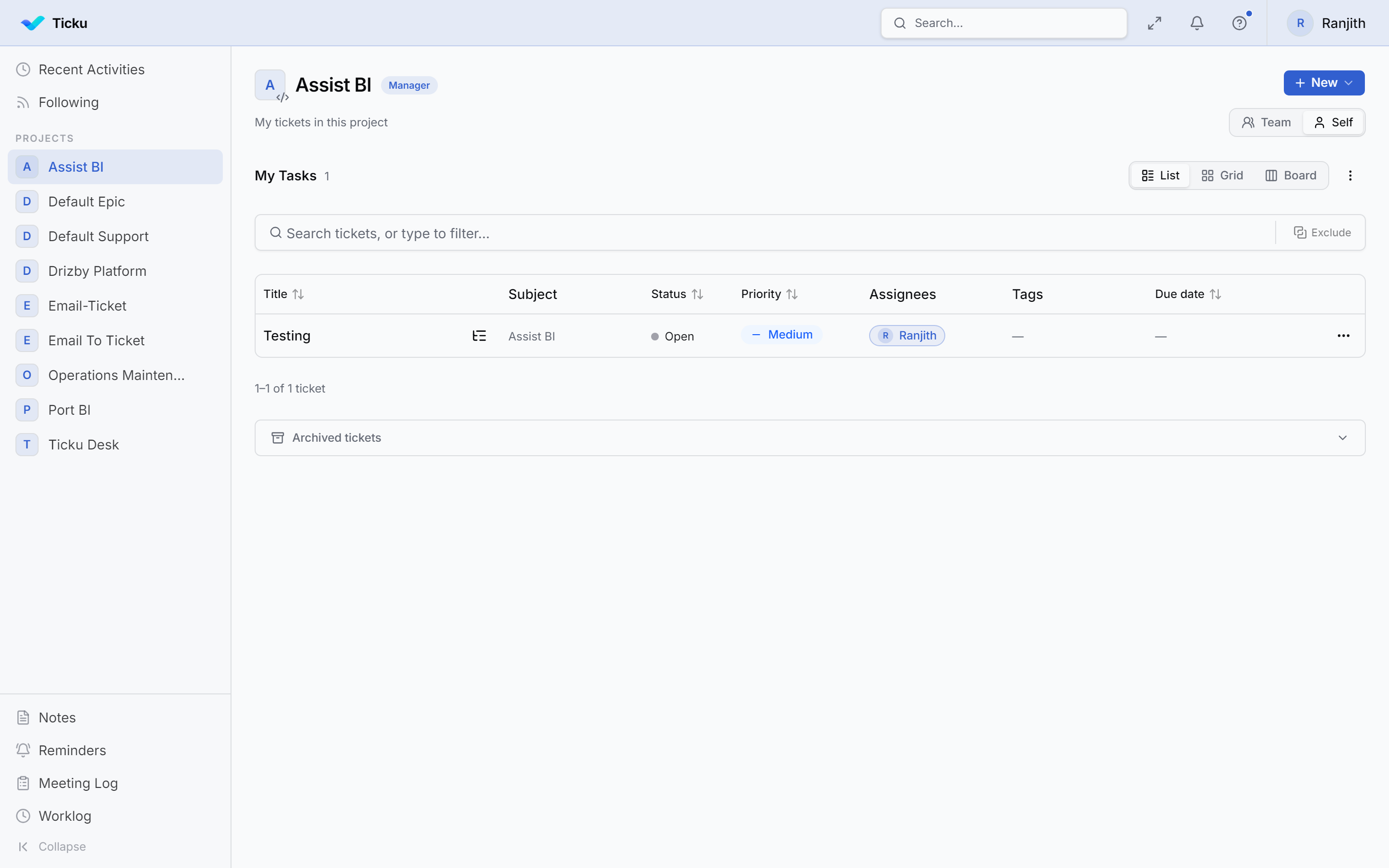
Switching to Board View
Use the view toggle at the top of the project's ticket list and select Board.
Using the Board
- Each column is a ticket status; cards are tickets.
- Drag a card to another column to change its status — the change saves immediately and notifies relevant users.
- Click a card to open the ticket details panel.
:::note Permissions Dragging cards requires permission to change ticket status — Creator or Member role. Viewers see the board read-only. :::