Incoming Webhooks
Incoming webhooks let external tools (Zapier, Make, custom scripts, monitoring systems, etc.) create tickets in Ticku by sending an HTTP POST request — no Microsoft 365 mailbox required.
This is separate from the Email-to-Ticket feature, which handles inbound email. Webhooks are tenant-scoped — a webhook only ever creates tickets in its own tenant's project.
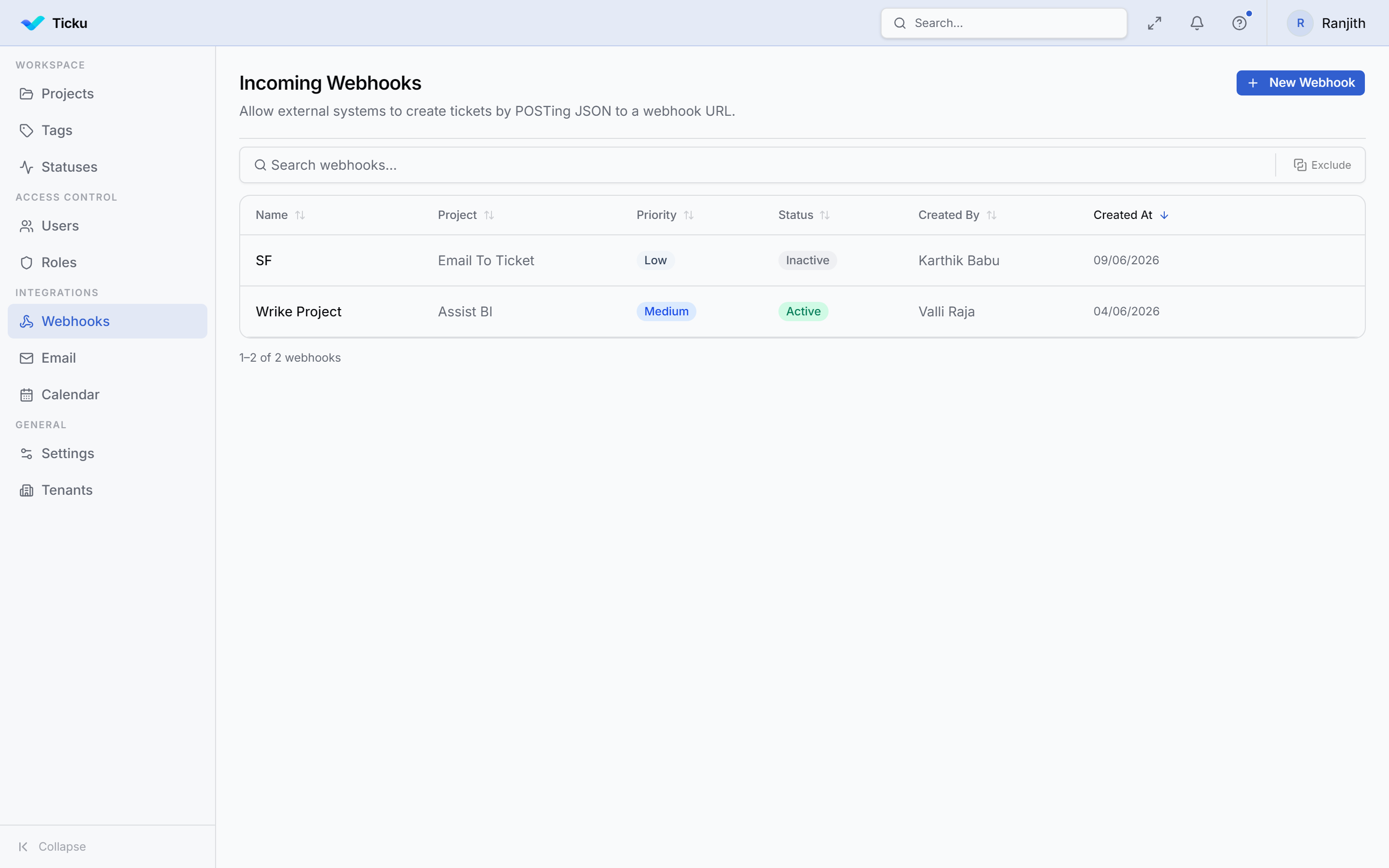
Creating a Webhook
Admin → Webhooks → New Webhook
- Name — a label for this integration
- Project — which project tickets will be created in
- Default Priority — the priority assigned to tickets created via this webhook
Each webhook gets a unique URL and a secret for request verification.
How External Tools Use It
Send an HTTP POST to the webhook URL. The payload should include the ticket content. The secret is used to sign or verify the request (check the integration guide for the exact header format).
Managing Webhooks
- Activate / deactivate webhooks without deleting them
- Rotate the secret if a credential is compromised
- Delete a webhook to permanently revoke access
Treat webhook secrets like passwords. Anyone with the URL and secret can create tickets in the configured project.