Tags
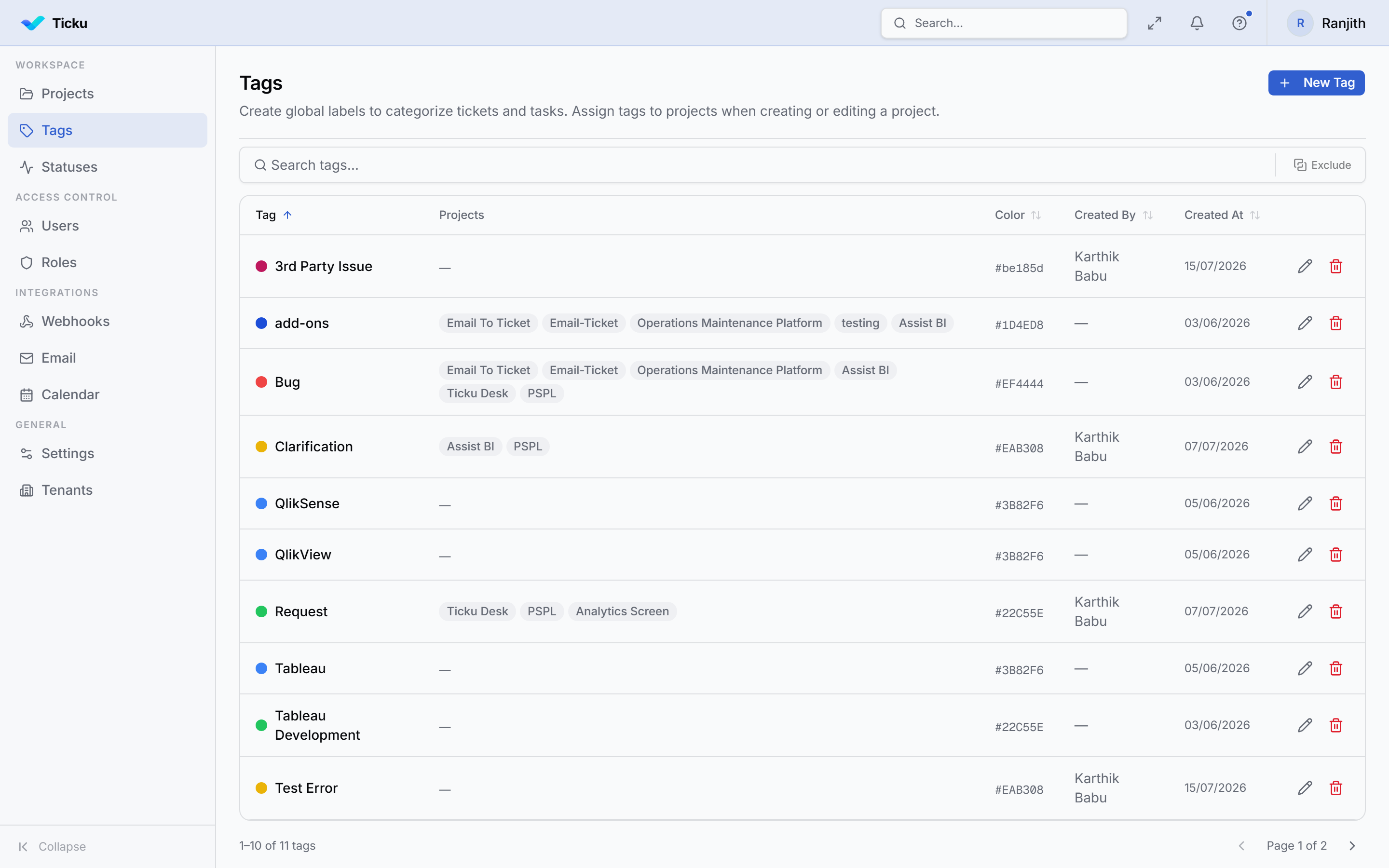
Tags categorize work (e.g. "bug", "billing", "urgent-client"). Manage the catalog from Admin → Tags.
:::note Groups have been removed Earlier versions had a "Groups" concept for organizing users. It has been removed — use tags for categorization and project membership for grouping people into work. :::
The tag catalog
- Tags are tenant-scoped — each tag belongs to your organization, with a name (unique within the tenant) and a color.
- Create, rename, recolor, and remove tags from the admin panel.
Where tags apply
Tags can be applied to:
- Tickets
- Sub-tasks
- Meeting logs
Applying or removing tags on tickets and sub-tasks requires the relevant project role permission.
Tips
- Keep the catalog small and meaningful — a focused tag set keeps filtering useful.
- Use colors consistently (e.g. red for urgency, blue for categories) so boards stay scannable.