Projects & Members
Projects are the containers for work, and project membership is how users get access to it.
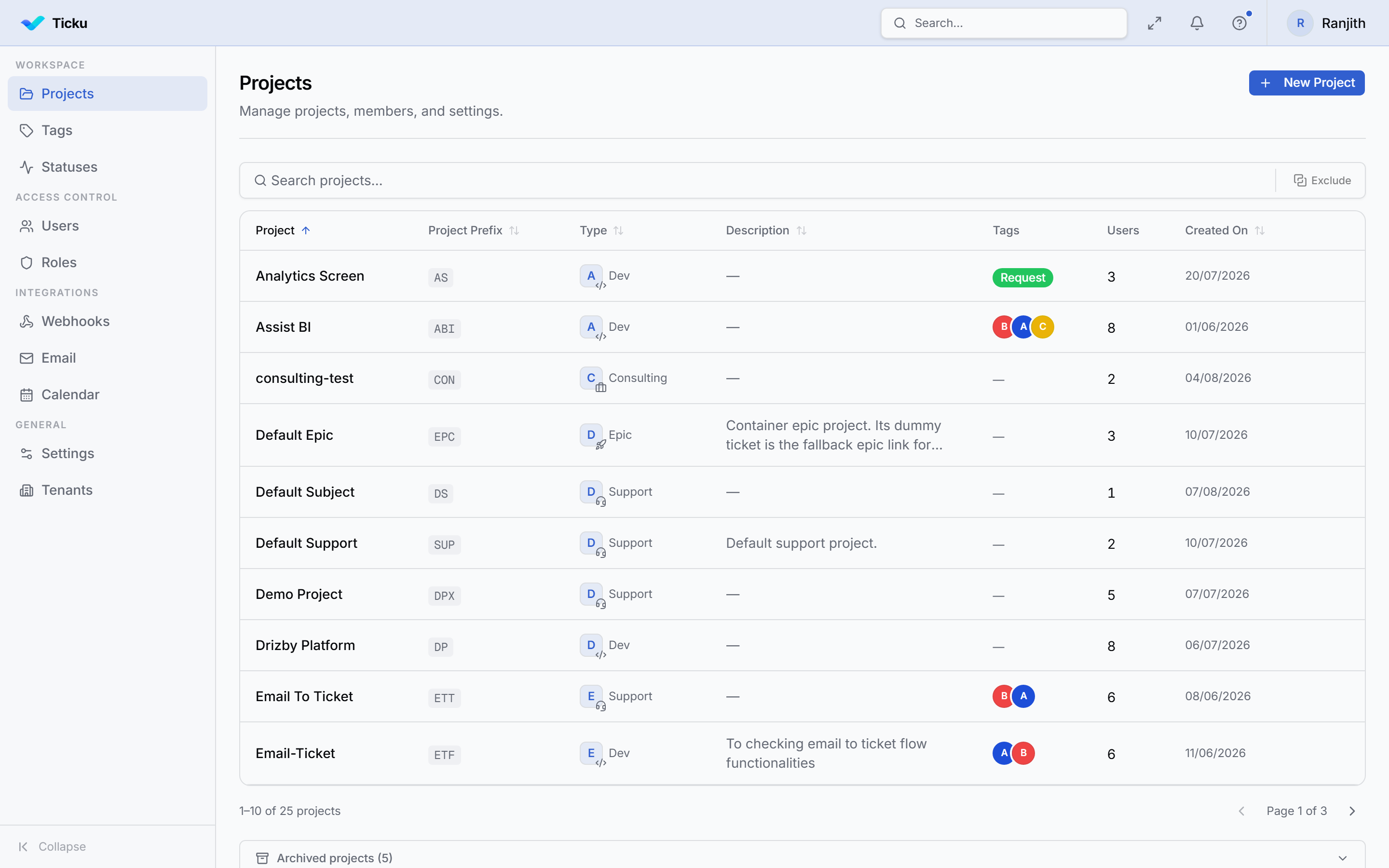
Creating a Project
Admin → Projects → New Project. Set:
| Field | Notes |
|---|---|
| Name / description | |
| Type | Support, Consulting, Dev, or Epic — fixed after creation; drives hierarchy, workflow, priorities, and roles. See Project Types |
| Ticket prefix | Up to 3 uppercase letters (e.g. SUP) — tickets number as SUP-1, SUP-2, … |
| Visibility | Optionally public within the tenant so any member can see it |
| Billing | For billable engagements: customer, billable, billed by |
:::note Creator isn't auto-added Creating a project does not automatically add you as a member — add yourself (and others) explicitly in the member editor. :::
Managing Members
Open a project's member editor:
- Add members from the tenant's users (guests included)
- Set each member's role — the roles available depend on the project type (see below)
- Adding a member can send a Teams invite card to notify them
Roles depend on project type
Roles are dynamic and scoped to the project type. The seeded defaults:
| Type | Roles |
|---|---|
| Support | Creator · Member · Viewer |
| Consulting | Lead · Member · Viewer |
| Dev | Lead · Member · Viewer |
| Epic | Lead · Viewer |
You can rename roles and change their permissions in Admin → Roles. See the full breakdown in Roles & Permissions.
Linking to Epics
A project can roll up to one or more Epic tickets in an Epic project, so a high-level initiative tracks progress across delivery projects. See Subjects & Epics.
Custom Attribute Fields
Each project can define custom fields that appear on every ticket in it — see Custom Attributes.